
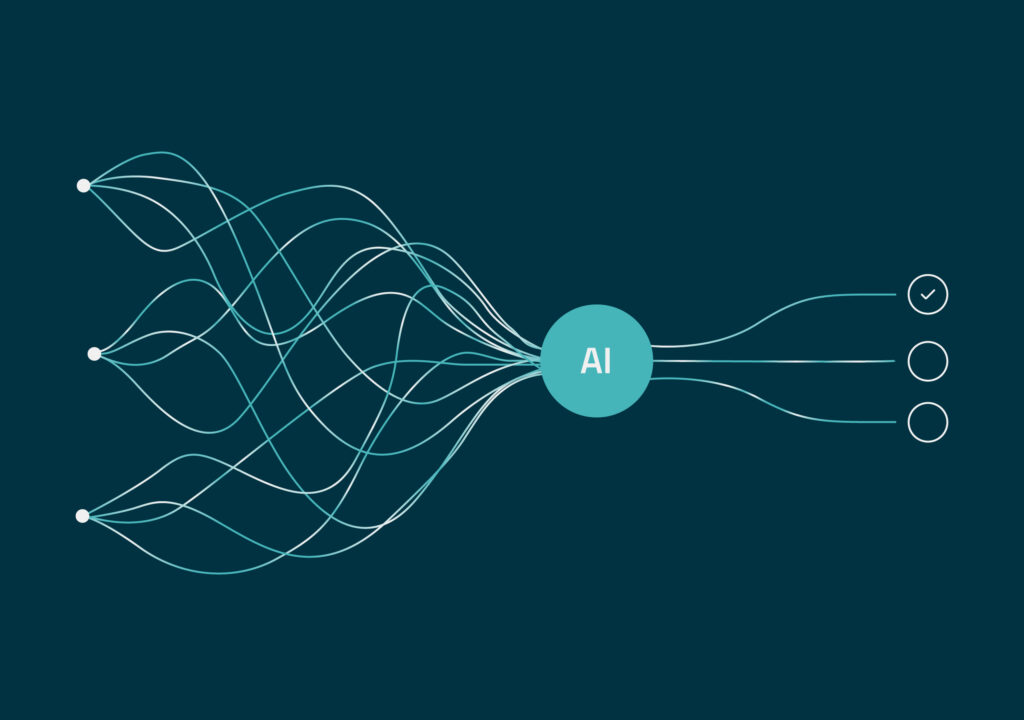
One AI tool scans your template library and flags potential duplicates. Another runs a diff on two versions of a contract confirmation. A third drafts responses for customer service. Three AI applications, three solid results.
Taken together, though, they hand IT a new set of interfaces, access permissions and maintenance overhead. Instead of reducing complexity, they add to it.
Therefore, anyone who relies on AI-driven customer communication, such as in customer communication management (CCM), should not measure success by output alone, but by the work that remains after that.
The customer sees a document. Behind it is a process.
There’s a reason work remains once the output is generated, and it lies in how customer communication comes together. An invoice, a contract confirmation, a tariff update – customers expect it to be accurate, easy to understand and delivered on their preferred channel. For the business, it’s the end product of a process in which templates, data, business rules and approval workflows all interlock. Built up over years. Business-critical.
An AI application can perform well on a single task and still create friction in day-to-day operations. AI-powered document automation only pays off once it’s embedded in the workflow – with a clearly defined role: AI does the groundwork, people make the call and sign off.
Without context, the effort just moves elsewhere
A version diff shows you what changed. But whether a change is intentional, relevant or simply an error depends on context – for example, when one line of business follows its own rules. The same applies to duplicate detection, mappings and validation checks.
If the AI doesn’t have that context, it can only help so much. The assessment lands back on the desks of the very experts it was supposed to relieve.
Real efficiency gains come when AI can draw on the context its results are measured against: templates, business rules, variants and their dependencies within your existing CCM process. What’s left is expert judgment – not rework.
Read more: What AI can really achieve in CCM
From point solutions to AI platforms for document workflow automation
For a single AI use case, there’s usually a workaround: data gets provisioned separately, access is managed case by case, results are fed back manually. Every additional application brings more interfaces, permissions and maintenance – without central governance. The pilot quietly turns into a parallel infrastructure. At that point, the real risk isn’t the model. It’s the silo.
For a one-off analysis, a standalone AI tool can be enough – provided the results are reviewed before they’re adopted. But if AI works on your templates on a regular basis, it shouldn’t become yet another island next to your CCM system. It belongs where your data, rules and approvals already live.
Integrated doesn’t mean locked in. CCM landscapes are designed to run for many years, while AI models evolve and get replaced in much shorter cycles. If your setup is tied to one specific model, every switch becomes a project in its own right – with new testing, approvals and costs. That’s why AI platforms for document workflow automation need to be model-agnostic, with a deliberate choice of where models run: on-premises, in an EU cloud or with a hyperscaler.
What to consider when choosing: „Cloud vs. On-Premises in CCM: 5 Criteria“.
More freedom for business teams. Clear guardrails from the IT team.
An integrated architecture also changes how IT and business teams work together. Today, a new privacy clause or an updated tariff notice typically lands in IT’s ticket queue and waits for the next release window.
With integrated AI, responsibilities can be split differently:
- The business teams use AI for well-defined tasks: identifying templates and text blocks affected by a change, preparing updates and documenting what changed.
- The IT team no longer implements every step itself. Instead, it owns the guardrails: which data and resources AI can access, how it’s integrated and how every change remains traceable.
- The responsible teams review and approve – just as they do today.
More freedom for business teams doesn’t mean less control. It means clearer roles.
Bottom line: What makes AI-driven customer communication work
Whether AI in CCM actually reduces effort comes down to three things: business context, architecture and clear governance. neeyo looks at all three together – starting with the specific task, not the technology.
So before you commit to a trending AI document workflow automation tool, look past the demo. Look at the work it leaves behind. In the neeyo.suite, AI-powered document automation is part of the platform, not an add-on. It identifies affected templates and text blocks, prepares changes and works within your existing approval workflows. AI models can be connected flexibly and deployed in the cloud, in a private cloud or on-premises. That’s what sets AI platforms for document workflow automation apart from yet another standalone tool: AI that reduces complexity instead of adding to it. And the neeyo.suite itself is developed entirely in the DACH region.
Which tasks are a good fit for AI, and how do you scope them? Our white paper shows you – including a real-world example from the insurance industry.