
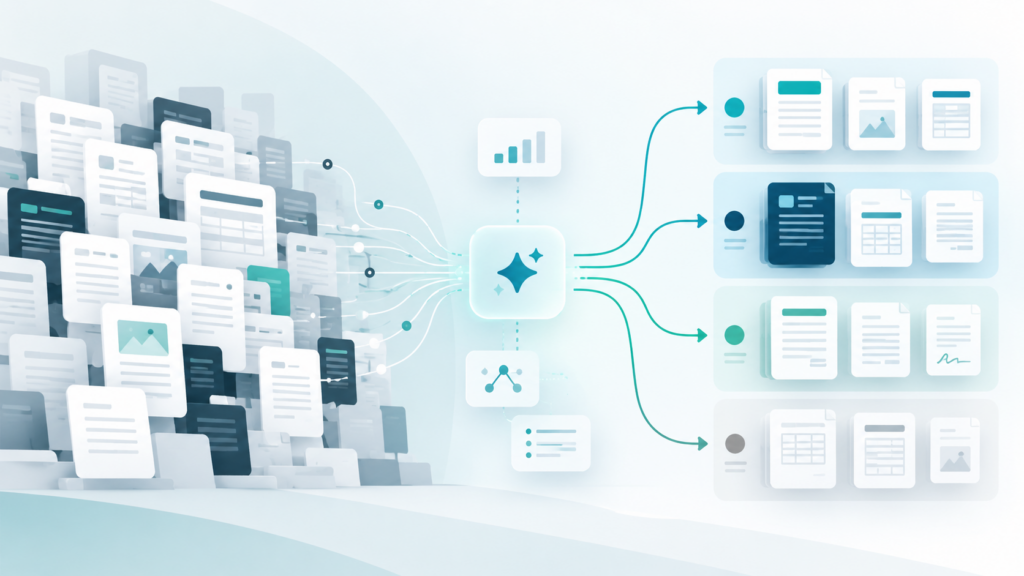
The order in which teams migrate documents and processes can shape the course of a Customer Communication Management (CCM) project. By defining the target template inventory and assessing dependencies, timing, and testability, teams can set clear priorities. AI can help analyze and structure complex template inventories, identify patterns, and reveal dependencies.
The decision to migrate has been made. The existing template inventory has been assessed. But one question remains: Which documents and processes should move first? In an established CCM environment, documents rarely stand alone. Templates depend on data, business rules, reusable content components, system integrations, and approval workflows. Some communication processes run daily, while others follow specific schedules. Some are easy to test. Others require further preparation.
No single factor determines the migration order. What matters is understanding which documents and processes belong together and should be migrated as part of the same phase.
Define the Target Template Inventory Before Prioritizing
Over time, template inventories grow to include multiple variants, special cases, and legacy structures. Before setting the migration order, teams need to clarify which templates should actually move to the new environment.
One possible way to categorize them:
- Retain: The content and process are still required.
- consolidate: Similar variants or templates can be combined.
- rebuild: The existing structure no longer fits the target image.
- Retire: The template is no longer needed.
Practical example: First analyze, then migrate.
At an insurance company, the template inventory had grown to more than 1,800 templates over several generations. An inventory analysis revealed that approximately 30% were no longer in use.
Rather than simply transferring the entire inventory, this assessment provides a basis for identifying what can be consolidated or removed and what should be prioritized for migration.
AI can help teams analyze large template inventories, group similar structures, and identify potential duplicates or unused templates. The project team reviews the findings and decides which templates to retain, consolidate, rebuild, or retire.
AI can help analyze large template inventories, group similar structures, and identify potential duplicates or unused templates. The project team remains responsible for evaluating the findings and deciding which templates to retain, consolidate, or retire. This human-in-the-loop approach keeps decisions and accountability with the project team.
What Matters When Prioritizing CCM Migration
Once the target template inventory is clear, the next question is what to migrate first. Priorities vary depending on the project. Business relevance, timing, dependencies, and testability help teams determine where to start.
1. Business Relevance: How Critical Is the Communication?
Questions worth asking:
- How often is the document used?
- Which customer or business processes depend on it?
- Does it involve contractual or regulatory requirements?
- What would be the impact of an error or failure?
2. Timing: When Is the Right Time to Migrate?
Peak communication periods, annual cycles, regulatory deadlines, and ongoing changes can all influence when it makes sense to migrate a group of documents.
Factors to consider include:
- Seasonal or recurring peaks in communication volumes
- Billing and annual processing cycles
- Planned product or process changes
- Regulatory deadlines
3. Dependencies: What Belongs Together?
Several documents may rely on the same data, business rules, or reusable content components. Integrations with CRM, ERP, billing, or archiving systems can create additional dependencies.
To understand what should move together, teams need to consider:
- What data does each document require?
- Which rules and components are used together?
- Which systems and interfaces are involved?
- Which other templates depend on the same components?
- Which output, delivery, or archiving processes are connected?
Practical example: Legacy Structures. A Fresh Perspective.
In an anonymized banking project, the existing platform was migrated to a new environment on a one-to-one basis. Duplicated content components and legacy structures remained in place. The complexity moved with them.
An AI-based inventory analysis can help in this process, to recognize recurring patterns and dependencies from earlier times, before they are unreviewed and adopted into the new environment. This transparency helps to plan documents not as isolated entities, but as meaningful groups belonging together for a migration step.
4. Testability: How Reliably Can the Results Be Verified?
Planning a migration phase becomes easier when teams know how to test the results and obtain business approval.
This includes:
- Suitable test data
- Clearly defined expected results
- Relevant variants and special cases
- Defined validation criteria
- Available business stakeholders
- A clear approval process
If some of these elements are missing, the assessment helps identify what teams need to prepare before migration begins.
Turning Priorities into Migration Phases
Looking at all four criteria together helps teams determine which documents make sense to migrate in the same phase.
A template may seem simple on its own but still need to move later if the required data sources or interfaces are not yet available. On the other hand, migrating several templates together may be more practical if they share content components, business rules, or processes.
For the first phase, teams should aim for manageable risk while covering some of the key requirements they will encounter later, such as data, business rules, and system integrations. This allows teams to test important processes early without making the first migration phase unnecessarily complex.
Customer Story: Konzept & Marketing GmbH
Konzept & Marketing (k+m) shows what a CCM platform replacement can look like in practice. The company replaced DOPiX with the neeyo Suite and migrated approximately 250 relevant document templates.